 Select one of the options below:
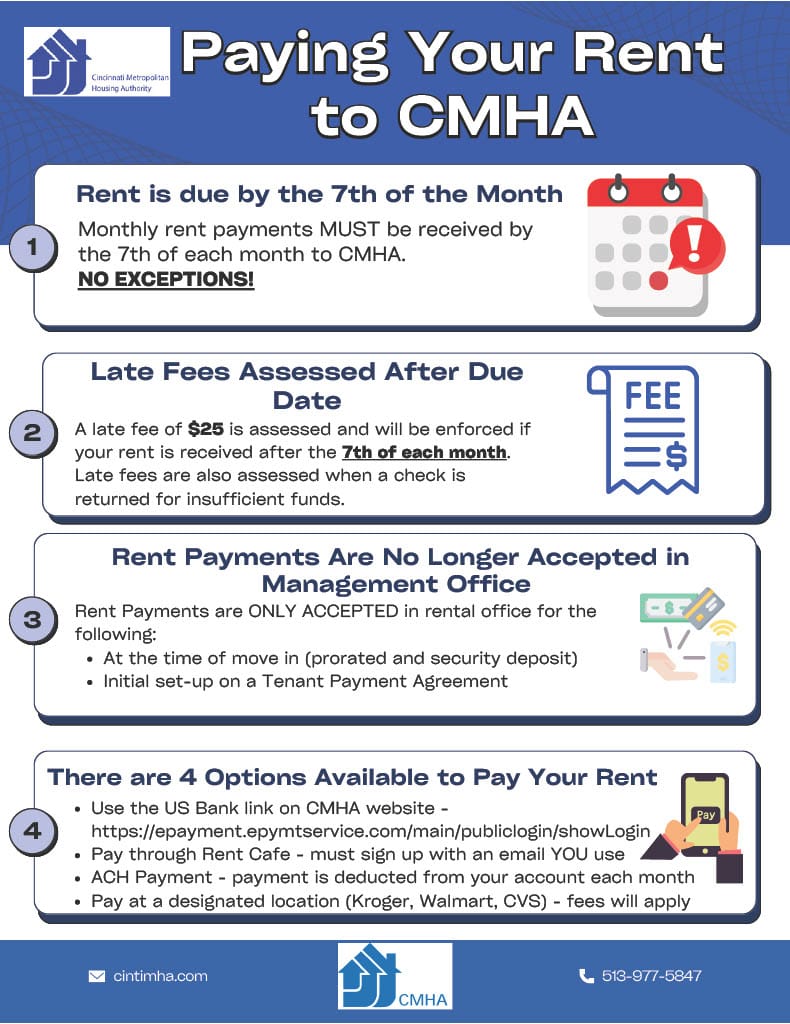
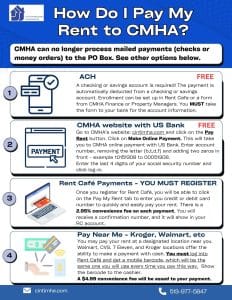
Click on the "Make Online Payment" box.
Must have bank account number and routing number.
Enter account number, removing the letter (b,t,d,f) and adding two zeros in front - example t0151308 to 00051308.
Enter the last 4 digits of your social security number and click log-in. Review your payment information and click Confirm.
You will receive a confirmation number. Keep it for your records.
Must have bank account number and routing number.
Enter account number, removing the letter (b,t,d,f) and adding two zeros in front - example t0151308 to 00051308.
Enter the last 4 digits of your social security number and click log-in. Review your payment information and click Confirm.
You will receive a confirmation number. Keep it for your records.
Phone Payment
This option is temporarily unavailable.
Please make your payments by mail or online.
Automatic Rent Payment
A checking or savings account is required.
See your property manager for the enrollment form or download it below.
See your property manager for the enrollment form or download it below.
ARP Authorization Form - English
ARP Authorization Form - Spanish
CMHA has a new option for residents to pay rent and still have funds throughout the month.
Click on the "Flex" box to the left to read more.
Click on the "Flex" box to the left to read more.